FOR CAM MODELS & LIVE CREATORSBuild your setup.
Keep it manageable.
Practical help for camera quality, phone streaming, audio, lighting, OBS, privacy, and smoother live sessions. Start with the gear you have before spending money.
START HERECreator guides
Focused walkthroughs for setup decisions and common problems.
All guides →Cam Model Profile Builder
Create a polished Chaturbate-ready profile with a live preview, theme choices, streaming schedule, social links, wishlists, room rules, and copyable or downloadable HTML. Your profile details stay in your browser while you build.
This free tool is available to registered TCD account holders. Create an account or sign in before opening it. Visitors who are not signed in cannot use the builder.
The website server verifies your account before serving the private builder. The page is not made public by these links.
PLANNED MEMBERSHIPCreator Pro · Coming Soon
We are planning an optional paid membership for creators who want more tools and resources. Creator Pro is not available to purchase yet, and no payment is being collected.
More creator resources
Planned expanded guides, templates, and practical setup resources.
New tools as they launch
Planned access to additional creator utilities and workflow improvements.
Member updates
Planned announcements when new premium benefits become available.
Benefits are planned and may change before launch. No subscription or checkout is active yet.
NEW MODEL QUICK STARTWhat to get right before your first show.
This quick-start section summarizes the full Chaturbate guide. Use it as a checklist; open the complete guide for camera choices, setup steps, product notes, and FAQs.
Read the complete beginner guide✓Protect your privacy
Choose boundaries in advance, use strong unique account credentials, protect stream keys, and remove personal details from your visible background.
✓Test before buying
Try your existing smartphone or webcam. Improve framing, focus, exposure, camera stability and lighting before deciding you need a new camera.
✓Check the whole chain
Test microphone levels, internet stability, OBS scenes and sources, platform settings, and a short recording with headphones before going live.
Recommended order: privacy and boundaries → camera framing → lighting → audio → OBS and room setup → first-show checklist. Gear links in the full guides may be affiliate links; review compatibility and current seller details before purchasing.
01
Connect the receiver
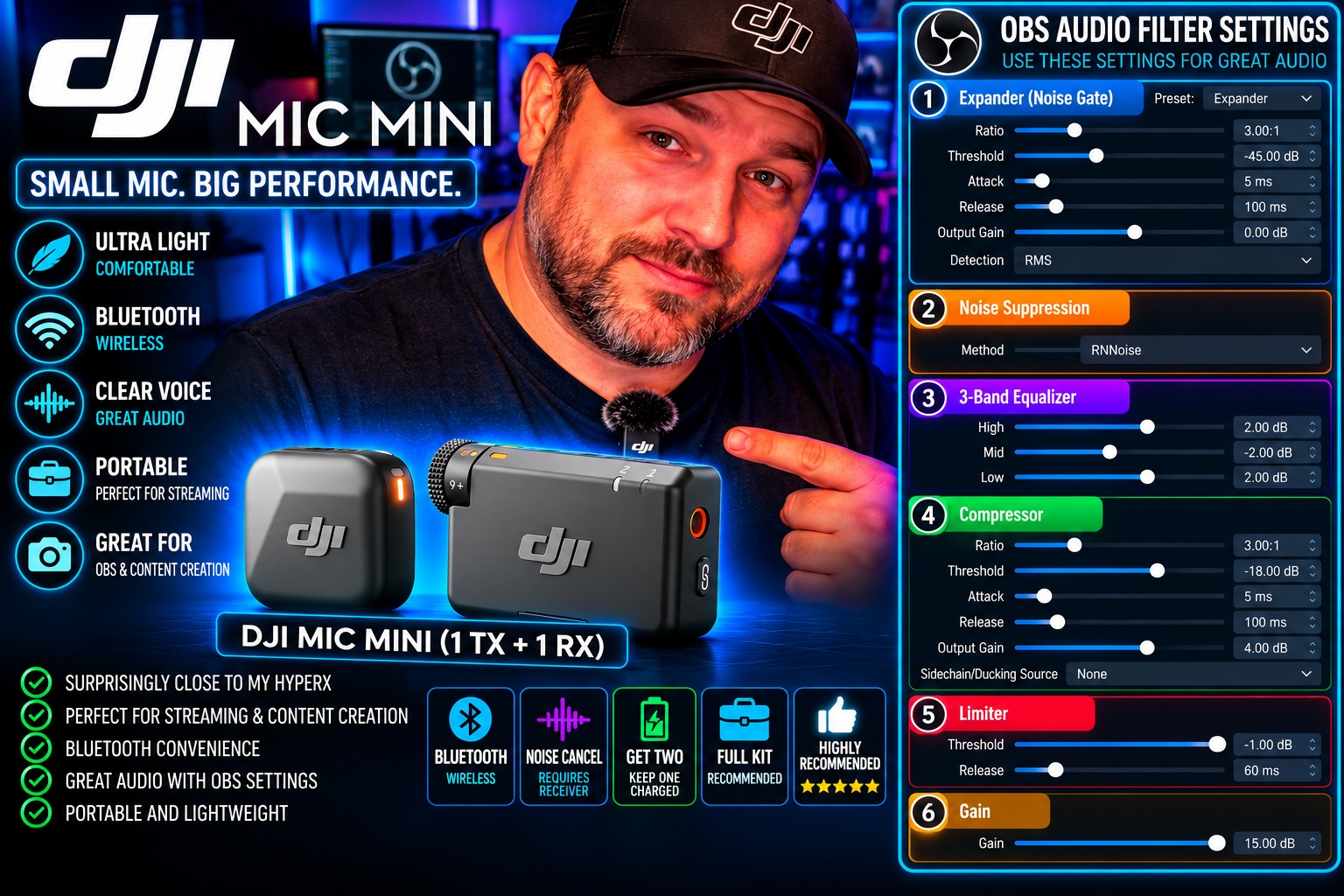
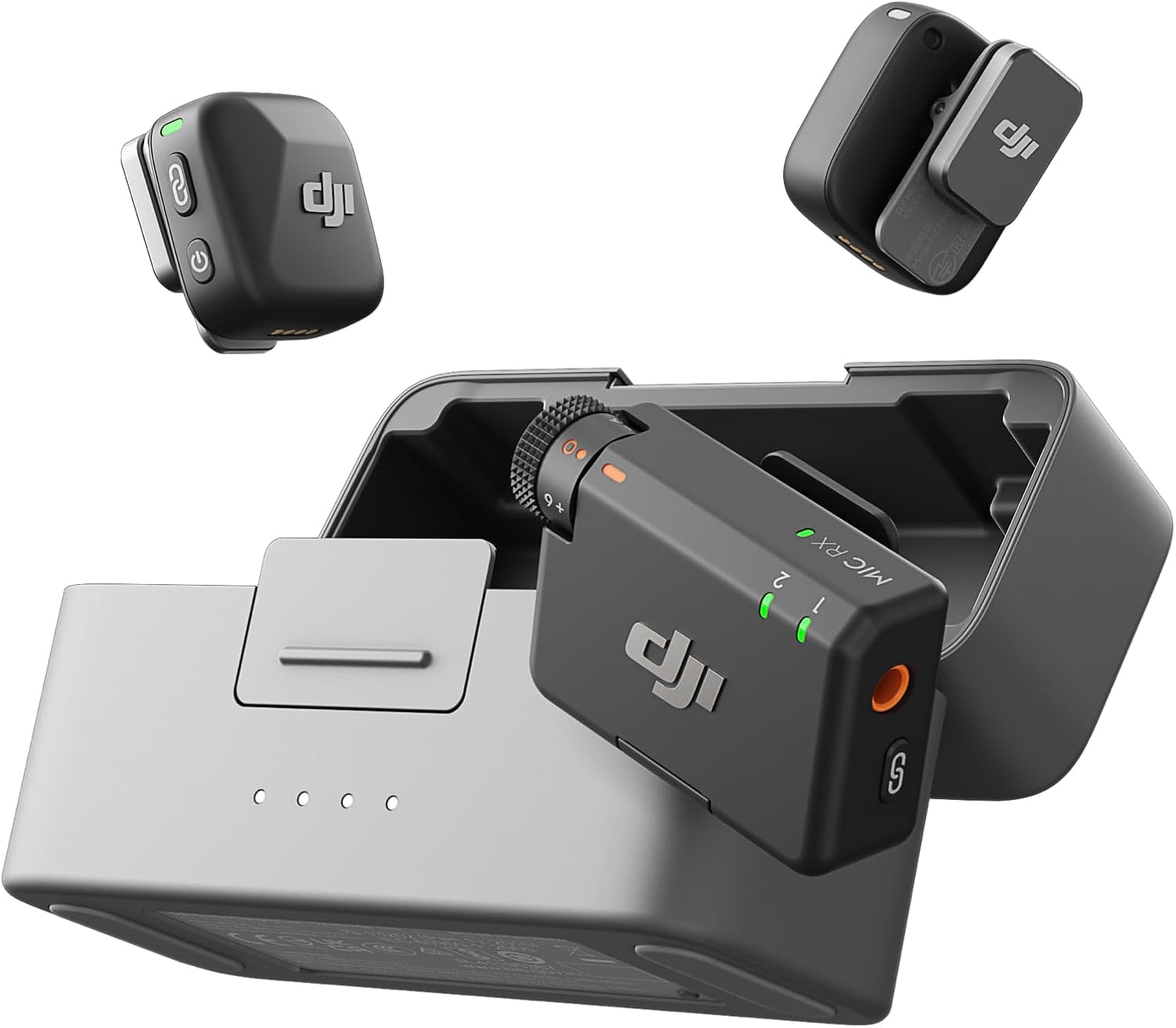
Connect the DJI receiver (RX) to the desktop by USB, select it as the OBS Mic/Aux input, and set OBS audio to 48 kHz. Use Stereo when it suits your routing, and disable unused Desktop Audio sources.
02
My OBS filter chain
RNNoise → Expander (3:1, −45 dB threshold) → 3-band EQ (high +2, mid −2, low +2) → Compressor (3:1, −18 dB threshold, +4 dB output) → Gain (+15 dB) → Limiter (−1 dB, 60 ms release).
03
Test before going live
Record a short sample and listen on headphones. Watch for clipping, pumping, room noise, and harshness. The +15 dB gain is specific to my setup and may be too much for yours.
My practical takeaway: I prefer keeping a receiver connected to the desktop for OBS and using the appropriate mobile receiver/adapter setup for the phone, rather than constantly swapping one setup around. Keep a USB desk mic such as the HyperX SoloCast as a backup if you already own one.
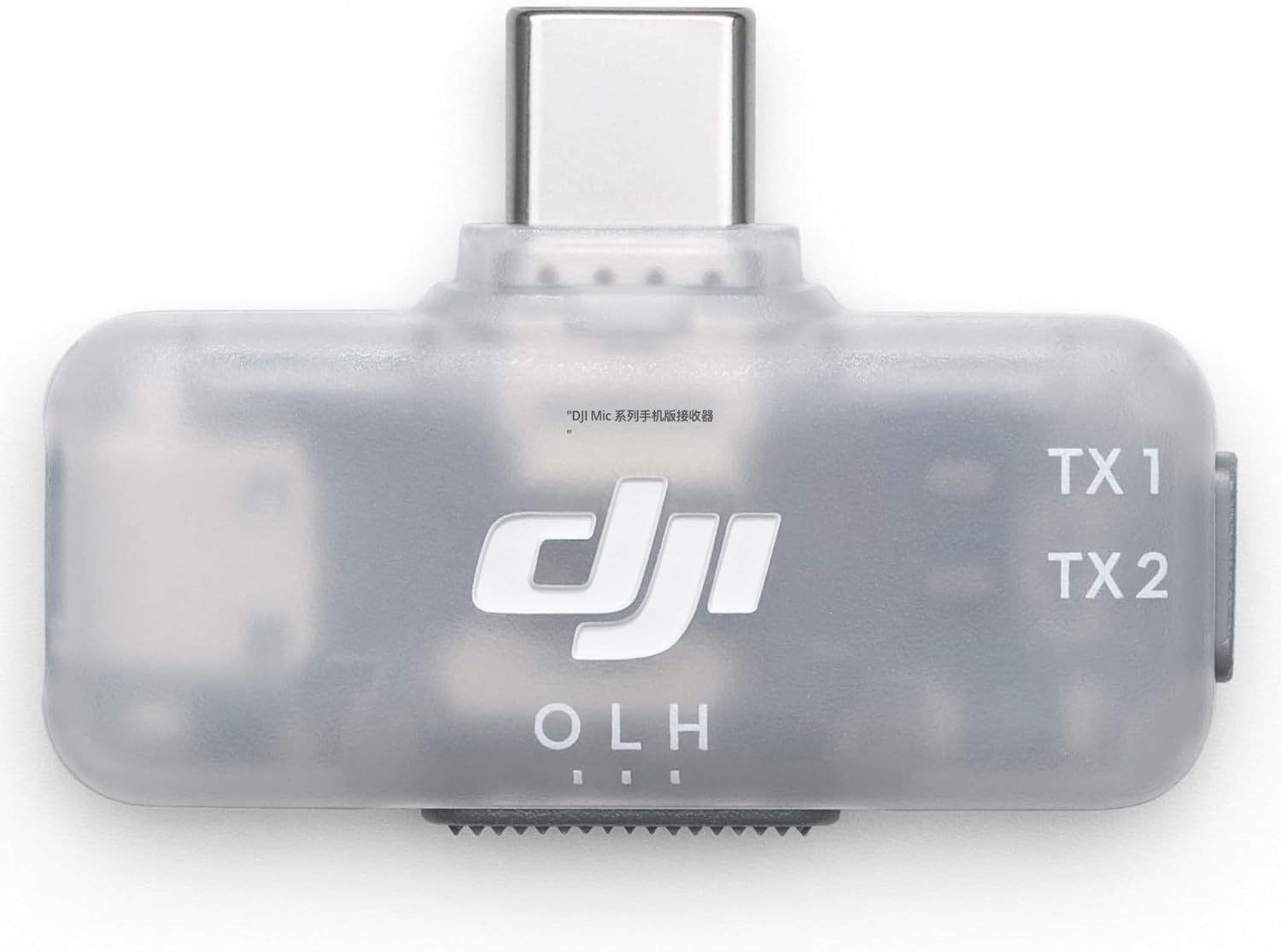
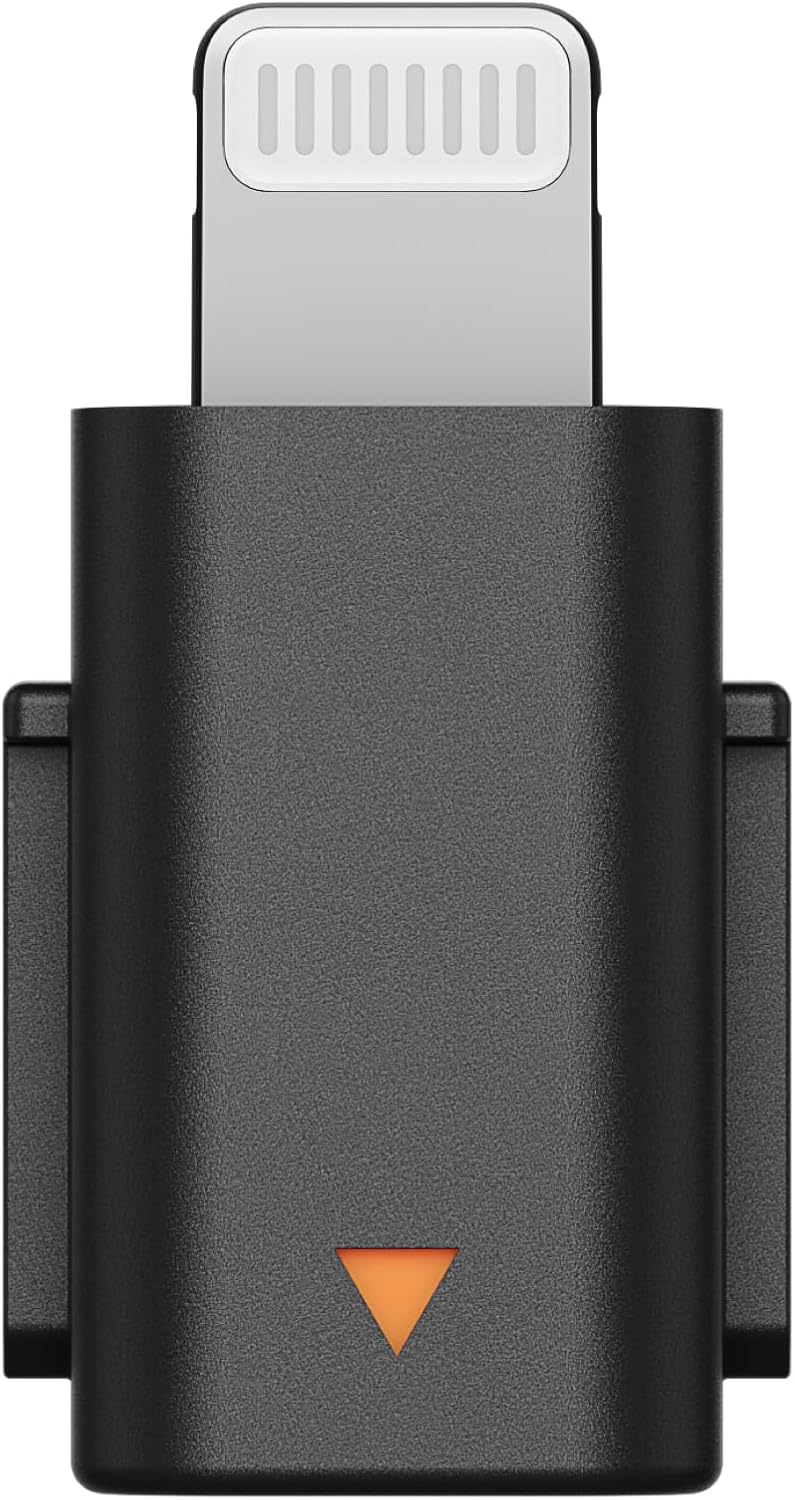
Buying note: A full kit with transmitters, receiver, and charging case is the most flexible starting point for someone who needs both desktop and mobile use. Check the exact receiver and Lightning adapter compatibility before ordering; the newer DMMR02 mobile receiver requires the matching DJI Mic Series USB-C-to-Lightning adapter, not the older Mic Mini Lightning adapter.
THE SIMPLE WORKFLOW
One improvement at a time.
01Make the picture clear
Camera placement, lighting, focus, and exposure before buying upgrades.
02Make your voice clear
Mic placement and careful filters before adding unnecessary gear.
03Make the session reliable
Test recordings, organized scenes, privacy habits, and a repeatable checklist.
REAL-WORLD WORKFLOWThe apps I use in my Chaturbate room
A focused list of the ten apps from my own setup, grouped by essentials, goals, and optional extras. Start small and add only what you need.